
Connected stack
Northline Labs
01
Manage clusters, nodes, and spend from one place, with clear control for DevOps and platform teams.
02
Northline Labs
03
Vertex Forge
04
Orion Stack
CANADIAN KUBERNETES
Run Kubernetes workloads with clear cluster control, autoscaling compute, and cost checks that help DevOps teams ship faster and spend less.

Connected stack
Manage clusters, nodes, and spend from one place, with clear control for DevOps and platform teams.
Northline Labs
Vertex Forge
Orion Stack






CORE FEATURES
Manage upgrades, node pools, and cluster settings from one screen.

Manage upgrades, node pools, and cluster settings from one screen.
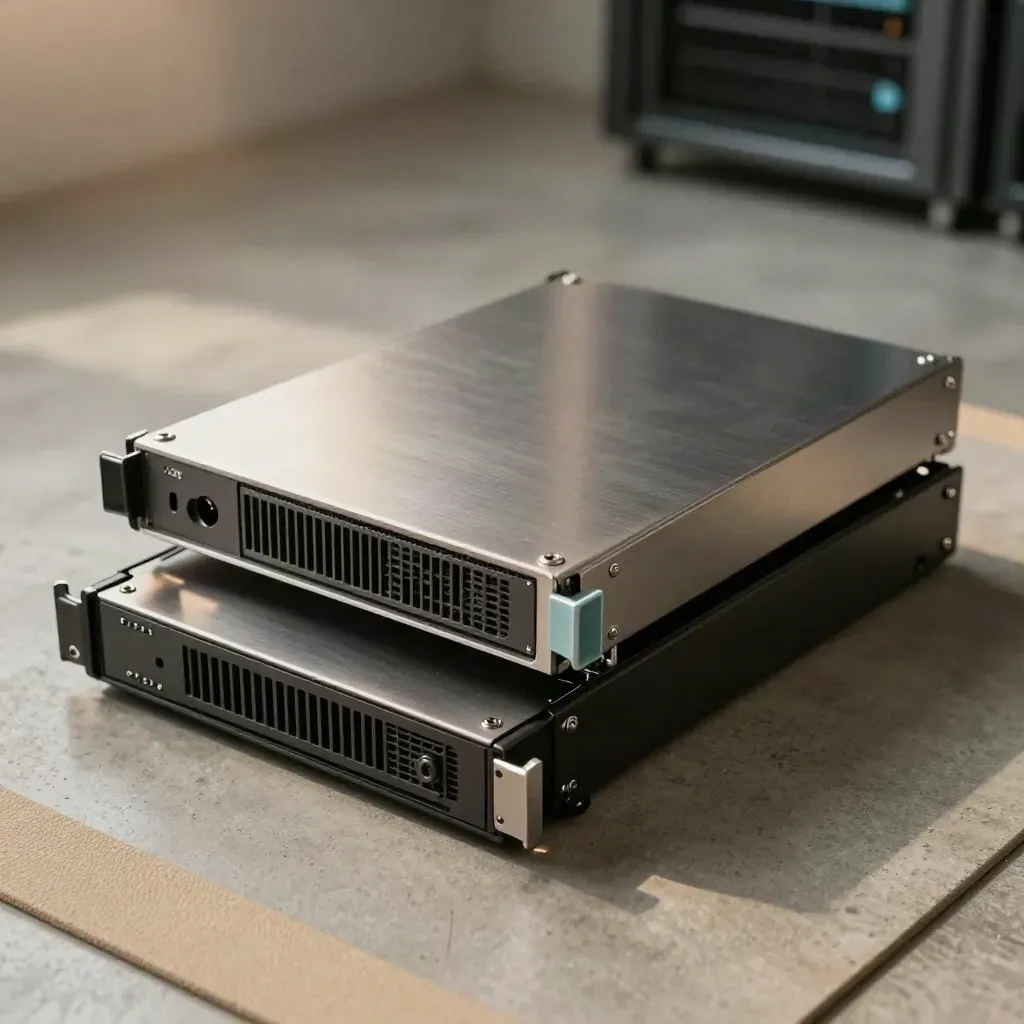
Add or trim nodes when load changes, so apps stay fast and bills stay down.

Place workloads on the right nodes with clear rules and simple overrides.
Create new nodes faster with repeatable setup and size choices for each team.
Spot idle nodes, heavy pods, and waste before monthly spend gets too high.
Watch load, health, and events in real time with clear alerts for your team.
WHO IT HELPS
Keep cluster rules, node pools, and scaling in one place for many app teams.
Manage upgrades, node pools, and cluster settings from one screen.
Add or trim nodes when load changes, so apps stay fast and bills stay down.
Place workloads on the right nodes with clear rules and simple overrides.
Create new nodes faster with repeatable setup and size choices for each team.

Use case 01
Keep cluster rules, node pools, and scaling in one place for many app teams.

Use case 02
Cut setup time, track spend, and handle deploys with fewer handoff loops.

Use case 03
Run growth spikes with less waste and better control over compute spend.
cluster uptime

cluster uptime
scale-up time
workload checks
idle spend cuts
PRICING
1 cluster workspace Basic autoscaling rules Node pool setup Weekly cost snapshot Email deployment support
$0
1 cluster workspace
Basic autoscaling rules
Node pool setup
Weekly cost snapshot
$49
5 cluster workspaces
Policy-based autoscaling
Pod placement rules
Live performance charts
Custom
Unlimited cluster workspaces
Custom scaling policies
Private node provisioning
SLO and spend reports
Proof
“We cut idle spend in the first week and kept release dates on track”

Maya Chen
VP Engineering @ Northline Labs
“Node changes now happen in minutes, not after a long Slack thread”

Ethan Roy
Platform Lead @ Vertex Forge
“We finally see cluster load, cost, and health in one clear view”

Priya Nair
Head of DevOps @ Orion Stack
Integrations
Manage clusters, nodes, and spend from one place, with clear control for DevOps and platform teams.

Manage clusters, nodes, and spend from one place, with clear control for DevOps and platform teams.

Manage clusters, nodes, and spend from one place, with clear control for DevOps and platform teams.

Manage clusters, nodes, and spend from one place, with clear control for DevOps and platform teams.

Manage clusters, nodes, and spend from one place, with clear control for DevOps and platform teams.
The Map
Questions
Quick answers before visitors choose a product, service, or next step.
It handles cluster rules, node provisioning, autoscaling, and workload checks for Kubernetes teams.
Yes. You get spend views by cluster, idle node flags, and weekly cost notes your team can act on.
Yes. We give deployment support, platform checks, and cloud guidance for software teams that ship often.
Both. Start with one cluster workspace, then add more as your apps and teams grow without changing the setup flow.
Most teams connect a cluster, set rules, and see node and cost data in the first day with help from our team.
Yes. Kube Compute is based in Canada and serves software teams across Canada, the US, and Europe.
Get short notes on Kubernetes cost, scaling, and cluster ops from the Kube Compute team.


